Evaluating the Single Floating Frame Mockup for Digital Product Sales
When you sell digital files online, the way you present them can make or break a sale. A static preview rarely conveys the full potential of a design, while a well-crafted mockup places your work in a realistic environment that resonates with buyers. The Single Floating Frame Mockup offers one such approach, combining a clean, dimensional frame with a farmhouse-style backdrop. This article examines what this mockup offers, how it performs in real-world use, and who stands to benefit most from incorporating it into their sales workflow.
What Makes the Single Floating Frame Mockup Stand Out
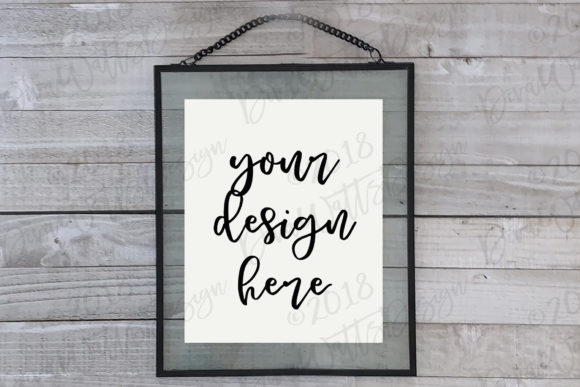
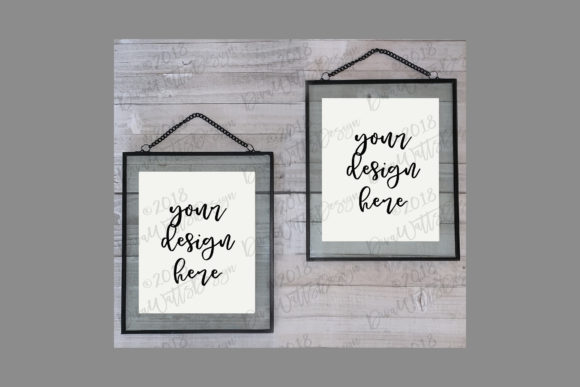
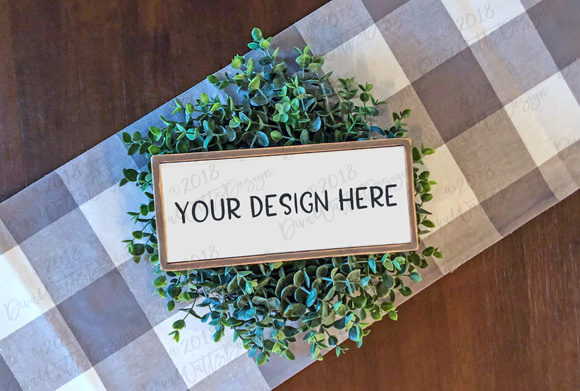
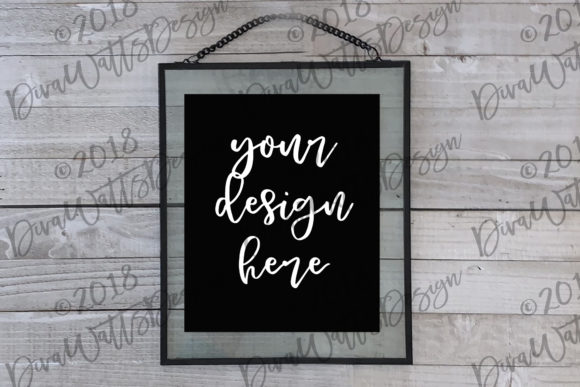
At its core, the Single Floating Frame Mockup is a PSD file that lets you insert your digital artwork, photograph, or graphic into a frame that appears to float on a wall. The "floating" effect comes from the frame being set slightly away from the surface, with a subtle shadow that adds depth. The farmhouse aesthetic typically includes weathered wood, muted tones, and a cozy, rustic backdrop—features that appeal to a broad audience of decor enthusiasts and creators.
What distinguishes this mockup from a basic frame overlay is the attention to environmental context. The background wall often has texture, the lighting is natural but controlled, and the frame itself is rendered with realistic highlights and grain. This combination allows you to show potential buyers not just the art, but how it might look in a real space—a crucial factor when selling digital files meant for print or display.
Key Strengths and Practical Value
The practical value of the Single Floating Frame Mockup lies in its ability to elevate perceived product quality. A digital file displayed in a beautiful farmhouse setting appears more curated, more intentional, and therefore more worth purchasing. For creators selling on platforms like Etsy, Creative Market, or their own website, this can directly influence click-through rates and conversion.
Several key characteristics contribute to its effectiveness:
- Smart object layers: Most well-made mockups use Photoshop smart objects, meaning you paste your design once and the perspective, shadow, and lighting are applied automatically. This saves time and ensures consistency across multiple products.
- Natural lighting and shadow: The floating frame mockup typically includes drop shadows that mimic real-world light, making the insertion look like it was photographed in that room. This realism builds trust with buyers who want to envision the final product.
- Farmhouse aesthetic appeal: The beautiful farmhouse mockup style is not niche—it aligns with a popular design trend that spans home decor, wedding invitations, and rustic branding. If your digital files target this audience, the mockup reinforces the right visual language.
- Flexibility for various file types: You can use the mockup for art prints, photographs, typography posters, watercolor illustrations, or even flat graphics meant for wall display. The floating frame accommodates a range of aspect ratios and orientations depending on the specific file.
Another underappreciated strength is consistency. When you use the same mockup across your product line, your shop or portfolio develops a cohesive look. Buyers see a familiar frame and backdrop, and that reliability can encourage browsing and repeat purchases.
Real-World Performance and Usability
In practice, the Single Floating Frame Mockup performs well when the user has basic Photoshop skills. The workflow is straightforward: open the PSD, double-click the smart object layer, paste your design, save, and the mockup updates. This process takes under a minute once you are familiar with it. For products in multiple sizes or color variants, you can duplicate the smart object and swap designs quickly.
However, the performance depends heavily on the original file quality. A low-resolution or poorly designed digital file will not look convincing even in the best mockup. The floating frame's realistic lighting and shadow can actually highlight imperfections in your artwork, so it pays to use high-resolution, well-exposed images. I have seen creators use this mockup for everything from a set of botanical prints to a single wedding photograph, and the results are consistently professional when the source material is strong.
One limitation worth noting is that the farmhouse aesthetic may not suit every product. If you sell modern, minimalist, or industrial designs, the warm, rustic background could clash with your visual identity. The mockup's lighting and texture are baked into the PSD, so altering them requires advanced Photoshop skills or additional resources. In such cases, the mockup might feel restrictive rather than empowering.
Another practical consideration is the need for Photoshop. While some mockups come in layered PNG formats, the smart-object functionality is best executed in Photoshop. If you are a creator who works exclusively in browser-based tools or alternative software, this mockup may require a learning curve or an additional subscription. Despite these potential barriers, the time savings and quality gains often justify the investment for serious sellers.
Who Benefits Most from This Mockup
The Single Floating Frame Mockup is not a one-size-fits-all solution, but it serves specific user groups exceptionally well. The following audiences are likely to find it most useful:
- Digital artists and illustrators: If you sell art prints or high-resolution illustrations, the floating frame presentation adds a gallery-like feel that suggests your work is suitable for framing. This can increase the perceived value per download.
- Photographers: Wedding, portrait, and landscape photographers often sell print credits or digital files. Showing a sample image in a farmhouse-style frame helps clients imagine the printed photo in their own home, especially if their decor leans rustic or cottagecore.
- Graphic designers and branding professionals: When selling brand boards, logo packages, or typography sets, you can display the output in a physical context. This demonstrates to clients how the design translates from screen to print.
- Etsy sellers and small business owners: Consistency across listings is critical on marketplaces. Using the same mockup for multiple products builds brand recognition and reduces the time spent creating new product images from scratch.
- Course creators and educators: If you sell digital guides, printable worksheets, or art tutorial bundles, the mockup can serve as a preview graphic that communicates professionalism. It shows that you value presentation, which can reflect positively on your teaching content.
In my observation, the users who gain the most are those with a relatively large product catalog who need to generate many listing images quickly. The repeatability of the smart object workflow becomes a significant efficiency driver.
Professional Observations and Practical Recommendations
Based on using this type of mockup with several product launches, I have found a few best practices worth adopting. First, always test the mockup with your darkest and lightest artwork. Some floating frame mockups handle high contrast well, while others might lose shadow detail in very dark images or blow out highlights in bright ones. Adjust your source file accordingly.
Second, consider creating a small set of mockup variations. One single floating frame mockup is useful, but having two or three angles—close-up, wider room shot, and a side angle—can give your product page depth. If your chosen mockup comes with additional scenes, take advantage of them. If not, you might supplement it with a different mockup that shows the same frame from another perspective.
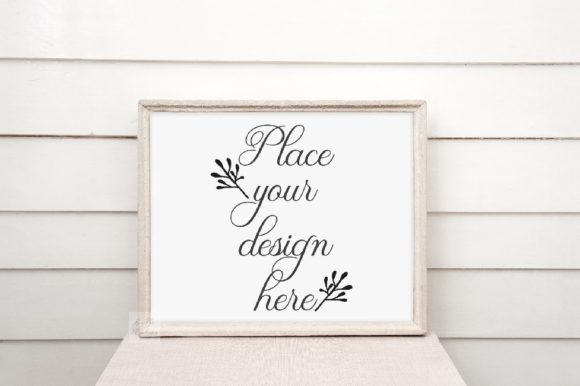
Third, pay attention to the scale of the frame relative to the wall. In some mockups, the frame occupies a small portion of the overall image, leaving large empty spaces. This can work well for social media posts where you intend to overlay text, but for a main product listing image, you typically want the frame to fill a reasonable portion of the frame. Check the mockup's layout before committing.
As for limitations, the farmhouse style is not universal. If your audience is urban, modern, or tech-focused, the rustic backdrop may feel out of place. In that scenario, look for a floating frame mockup with a neutral or minimal background, or consider one with a transparent background that you can composite yourself. The beautiful farmhouse mockup is a specific flavor, and it is most effective when your product and target customer align with that aesthetic.
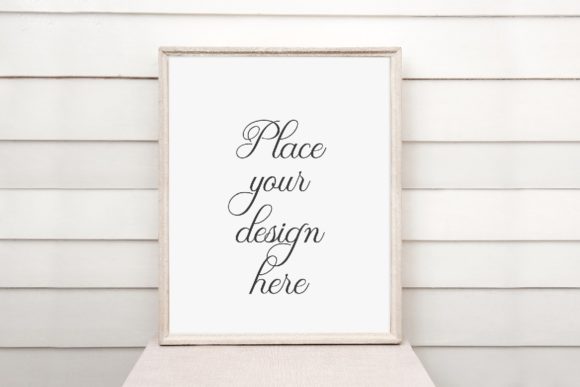
Another observation: the mockup's shadow and lighting are fixed. If you decide to change your product dimensions significantly (from a square print to a panoramic one), you may need to scale the frame in a way that breaks the shadow realism. It is best to use the mockup for products that match the frame's native orientation and proportion.
Evaluating Fit for Your Workflow and Goals
To determine whether the Single Floating Frame Mockup fits your needs, start by assessing your audience. If they respond positively to farmhouse decor, neutral palettes, and cozy imagery, this mockup can become a reliable asset. You can test its effectiveness by creating a few listing images and comparing their engagement metrics to previous images. Many sellers report a noticeable uptick in click-through rates when switching from isolated flat layouts to contextual mockups.
Consider also your own workflow tolerance. If you prefer drag-and-drop tools like Canva or Placeit, a PSD mockup may feel like extra friction. However, the control that a smart-object layer offers—such as adjusting the frame's brightness or adding a subtle texture overlay—can produce results that web-based generators cannot replicate. For creators who value nuance and brand consistency, the extra step is worthwhile.
Long-term value is another factor. A good mockup file does not expire. You can reuse it for every new product release, seasonal update, or portfolio revision. The initial cost or download is a one-time investment that pays back with each use. If you treat the mockup as a template and maintain a folder of your inserted designs, you can regenerate product images in minutes even months later.
On the other hand, if you only sell a handful of products and change your design style frequently, a single mockup might feel limiting. In that case, you could invest in a bundle that includes multiple scenes and styles, giving you more flexibility while still maintaining a cohesive look.
I have found that the Single Floating Frame Mockup is particularly effective for product categories where the buyer needs help visualizing the final printed piece. Digital files are intangible; a realistic, beautiful presentation bridges the gap between the digital preview and the physical product. The farmhouse style may not be for everyone, but for those it suits, the results are persuasive and professional.
Ultimately, the decision comes down to your category, your audience's preferences, and your own willingness to work within the mockup's aesthetic constraints. For many creators, the Single Floating Frame Mockup represents a practical, visually appealing way to showcase digital work without requiring a photoshoot or design studio. It is a tool that, when used thoughtfully, elevates both the product and the seller's brand.