Why a Frame Mockup Photo Is Essential for Showcasing Your Designs
If you sell clipart SVG files or handmade crafts online, you already know that presentation matters. A beautiful design can lose its impact if it's displayed poorly. That's where a frame mockup photo becomes one of the most practical tools in your creative arsenal. Instead of spending hours staging, lighting, and photographing each individual item, you can use a high-quality mockup to present your work in a polished, professional way within minutes. This approach saves time, reduces effort, and ensures your portfolio looks cohesive across every platform.
What Makes a Frame Mockup Photo So Valuable?
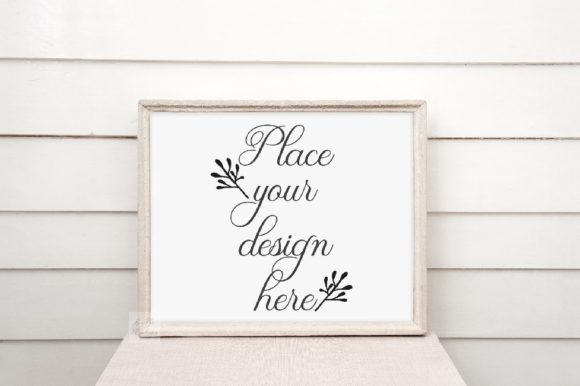
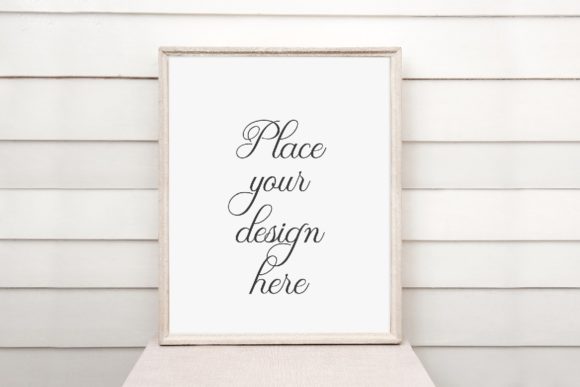
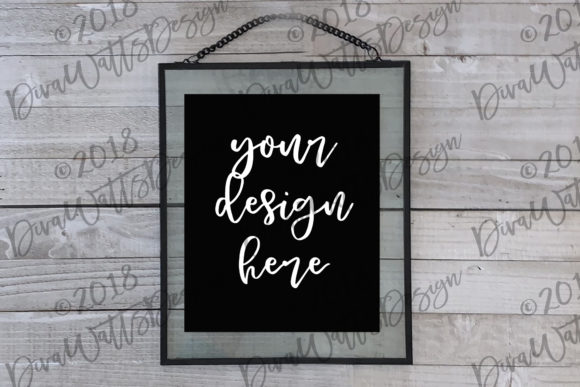
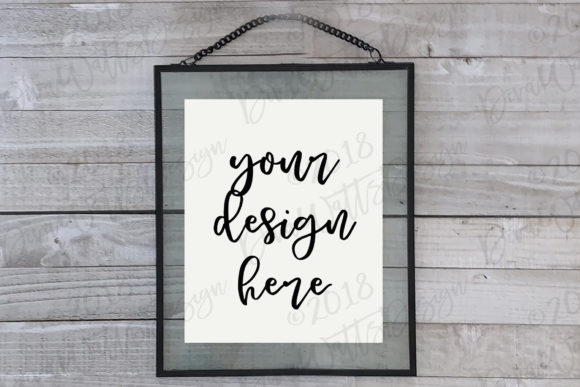
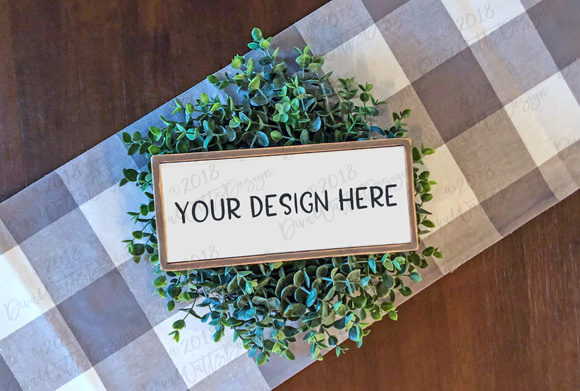
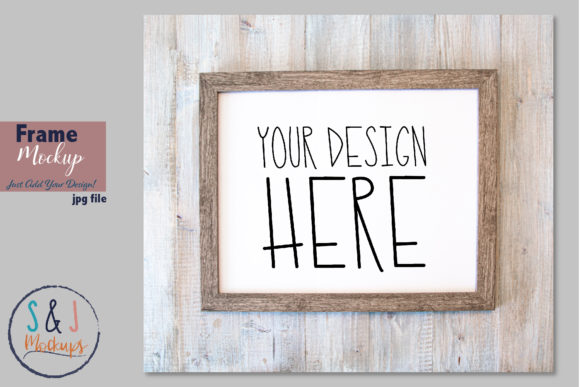
A frame mockup photo is essentially a pre-shot image of an empty frame — often a picture frame, a display stand, or a decorative border — ready for you to drop your design into. The magic lies in its simplicity. You open the file in your favorite editing software, place your artwork or SVG file on top of the frame, and suddenly your design looks like it's been professionally photographed in a real setting. No need for a camera, a studio, or even a physical frame.
This kind of mockup is especially useful for sellers on platforms like Etsy, Creative Market, or Shopify, where visual consistency can make or break a sale. When customers scroll through listings, they respond to images that look clean, realistic, and intentional. A frame mockup photo delivers exactly that. It gives your designs context and scale, helping buyers imagine how your product might look in their own home or workspace.
High Resolution Means Professional Results
One of the first things to look for in any mockup is resolution. A high-quality frame mockup photo will be at least 300 pixels per inch (PPI), which ensures your final image stays sharp whether it's viewed on a screen or printed. Low-resolution mockups can make your designs look fuzzy or unprofessional, which defeats the purpose of using them in the first place. When you invest in a 300 PPI JPEG, you're getting an image that holds up under scrutiny. The details in your SVG clipart or craft design remain crisp, and the overall presentation feels polished.
Resolution matters not just for print but also for digital use. Many online marketplaces compress images, and starting with a high-resolution file helps preserve quality even after compression. A 300 PPI frame mockup photo also gives you flexibility: you can crop, resize, or adjust the image without immediately losing clarity. That kind of versatility is hard to beat when you're managing multiple product listings or building a portfolio.
How to Use a Frame Mockup Photo in Your Workflow
The process of using a frame mockup photo is intentionally straightforward. You don't need to be a Photoshop wizard or a professional photographer to get great results. Here's how most creators integrate it into their workflow:
- Open the mockup file in your editing software of choice — Photoshop, Illustrator, Canva, Silhouette Studio, or even free tools like GIMP or Photopea all work well.
- Place your design on top of the frame area. This is usually done by dragging and dropping your SVG, PNG, or JPEG file onto the canvas.
- Resize and position your design so it fits within the frame's boundaries. Many mockups include guides or layers that make alignment simple.
- Adjust blending if needed. Some mockups come with shadow effects or texture overlays that help your design look naturally integrated into the scene.
- Save and export your final image for use in listings, social media, or your portfolio.
That's really all there is to it. Once you've done it a couple of times, the process takes just a few minutes per design. Over the course of a week, that can save you hours compared to photographing each item individually.
Why This Matters for SVG and Clipart Sellers
If you sell digital files like SVG cut files or clipart bundles, you face a unique challenge: your customers can't physically touch or see your product before buying. They rely entirely on your images to understand what they're getting. A flat screenshot of a vector file rarely conveys the true potential of a design. But when you place that same design inside a frame mockup photo, it suddenly feels tangible. Customers can visualize it as a finished product — a wall art print, a decorative sign, or a custom gift.
This shift in perception can directly impact your conversion rates. Listings with lifestyle-style mockups consistently outperform those with plain white-background thumbnails. Buyers are drawn to images that tell a story. A frame mockup photo does exactly that: it places your design in a context that feels familiar and desirable. Whether your style is rustic farmhouse, modern minimalist, or boho chic, there's a mockup that matches your aesthetic.
Practical Benefits You'll Notice Right Away
Beyond the obvious time savings, using frame mockup photos offers several practical advantages that many creators discover only after they start using them regularly.
- Consistency across your portfolio. When all your product images use the same or similar mockups, your shop looks cohesive and professional. This builds trust with potential buyers.
- No need for physical inventory. You can showcase designs you haven't even produced yet. This is especially useful for print-on-demand sellers or digital product creators.
- Easy updates. If you want to change the background, the frame color, or the lighting, you can often adjust these elements within the mockup file itself without reshooting anything.
- Scalable for large catalogs. If you have dozens or hundreds of designs, a mockup workflow lets you batch-process images efficiently. You can create a template and simply swap out the designs.
- Works across platforms. A single mockup image can be used on Etsy, Amazon, your website, social media, and even in print catalogs. The versatility is hard to match.
What to Consider When Choosing a Frame Mockup Photo
Not all mockups are created equal, and a few key factors can make a big difference in your final results. First, look at the lighting and shadows. A well-shot mockup has natural, soft lighting that doesn't overpower your design. Harsh shadows or overly dramatic lighting can distract from the product itself. Second, consider the frame style. Does it match the aesthetic of your brand? A rustic wooden frame might not suit a modern geometric SVG, while a sleek black frame might feel out of place for a floral clipart set.
Another important consideration is the file format. Most high-quality frame mockup photos come as JPEG files, which are easy to use in any software. Some mockups also include separate layer files (like PSD or PNG with transparent backgrounds) for more advanced editing. If you're just starting out, a simple JPEG mockup is perfectly fine. As your skills grow, you might want to explore layered files that give you more control over individual elements like the frame color or background texture.
Ease of use is another factor. The best mockups are those that require minimal effort to achieve a realistic result. If you find yourself spending more time adjusting the mockup than creating the design, it might be worth looking for a simpler alternative. The whole point is to streamline your workflow, not complicate it.
How Frame Mockup Photos Fit Into Modern Creative Workflows
Today's designers and crafters operate in a fast-paced environment. Social media trends shift quickly, seasonal products need to launch on schedule, and customers expect high-quality visuals at every touchpoint. A frame mockup photo slots neatly into this reality because it removes one of the biggest bottlenecks: photography. Instead of waiting for good natural light or renting studio space, you can create compelling product images anytime, anywhere.
This is especially relevant for creators who work primarily with digital tools. If you design SVG files in Illustrator or Inkscape, your native workflow is already digital. Adding a mockup step at the end doesn't break your rhythm. You simply export your design, open the mockup, and composite the image. It's a natural extension of the digital design process.
For physical crafters — those who make vinyl decals, laser-cut signs, or handmade frames — mockups offer a way to showcase multiple variations of a product without building each one physically. You can show a design in three different frame colors or on two different background textures using the same mockup file. That kind of flexibility is invaluable for product testing and market research.
Real-World Scenarios Where Frame Mockups Shine
Imagine you're preparing for a holiday sale. You have twenty new SVG designs for Christmas ornaments, and you want to list them all on Etsy within a week. Photographing each physical ornament would take days of crafting, staging, and editing. With a frame mockup photo, you can complete all twenty listings in a single afternoon. The result is a cohesive shop section where every ornament looks polished and professionally displayed.
Or consider a graphic designer building an online portfolio. You want to show potential clients that your illustrations work well in real-world settings. Dropping your artwork into a frame mockup instantly communicates that your designs are print-ready and aesthetically versatile. It elevates your portfolio from a collection of digital files to a gallery of finished products.
Even for social media content, mockups are incredibly useful. A frame mockup photo can become the basis for Instagram posts, Pinterest pins, or Facebook ads. Because the image already looks like a lifestyle photo, it performs well in algorithms that favor high-engagement visuals. You're not just showing your design — you're showing a vision of how it fits into someone's life.
A Few Recommendations for Getting Started
If you're new to using frame mockup photos, start with a simple, versatile mockup that matches your most common product type. A neutral-toned frame with soft lighting will work well for a wide range of designs, from quotes and monograms to floral patterns and geometric art. Once you're comfortable with the process, you can expand your collection to include different frame styles, backgrounds, and orientations.
Pay attention to the license terms when purchasing mockups. Most commercial-use mockups allow you to use the final images for product listings and marketing, but it's always worth checking. Some mockup creators also offer bundles that include multiple angles or color options, which can be a cost-effective way to diversify your visuals.
Finally, don't underestimate the value of a well-organized file system. Keep your mockup files in a dedicated folder, and consider creating templates with your branding elements already in place. This will speed up your workflow even further and help maintain consistency across all your product images.
A frame mockup photo is more than just a time-saving tool — it's a strategic asset for anyone who sells designs online. It bridges the gap between digital creation and physical presentation, giving your work the professional context it deserves. Whether you're a seasoned seller or just starting to build your portfolio, integrating mockups into your process is one of the simplest ways to elevate your brand and connect with buyers. The best part? You can do it all from your computer, with no camera required.