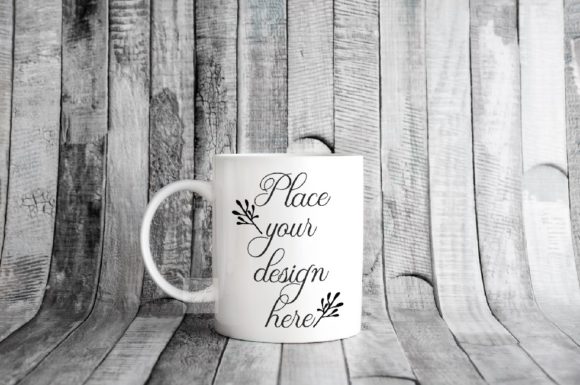
Rustic Coffee Mug Mockup for Creative Projects
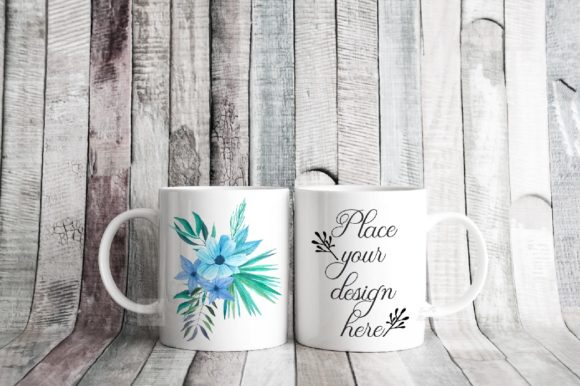
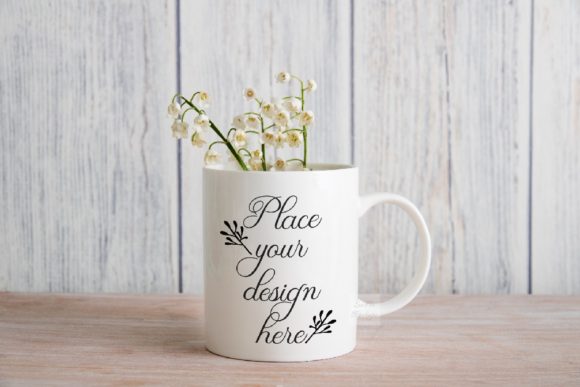
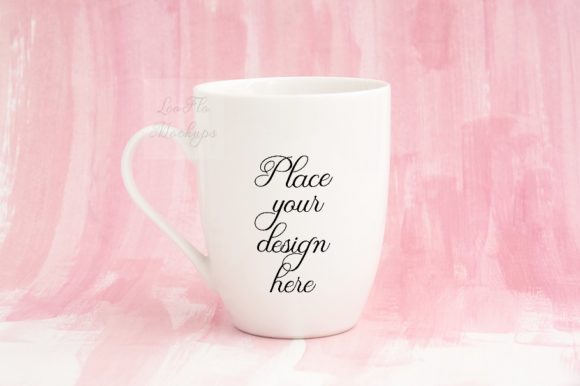
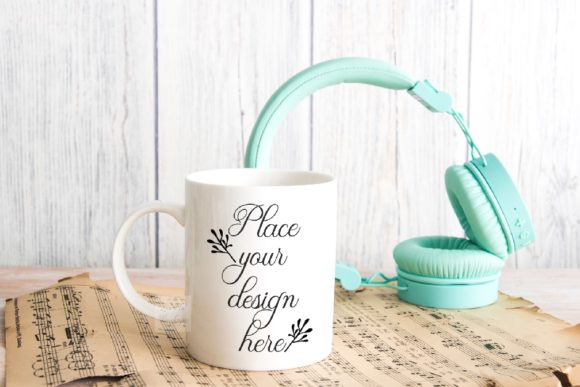
Presenting a product or design in a realistic setting can make the difference between a visitor scrolling past and a customer stopping to look. A Coffee Mug Mockup Rustic Cup Stock Photo offers exactly that kind of authentic backdrop. This particular mockup features a soft, neutral, rustic style designed for an 11oz sublimation mug. It comes as a high-resolution digital file, available in both JPG and PSD formats, with a single smart object layer for placing your design. The scene is a real photograph, meaning the mug and background are locked together on one layer, and the smart object is set to multiply for seamless integration.
For anyone who sells, promotes, or simply enjoys creating visual content, this kind of mockup is a practical tool. It removes the need for staging a physical photoshoot while still delivering a professional, lifestyle-oriented image. Whether you are preparing a listing for an online shop, designing a social media post, or building a portfolio piece, a ready-made mockup like this one saves time and adds polish.
What the Mockup Offers and Why It Matters
At its core, the file provides a realistic canvas. The rustic, minimal background and soft lighting help the mug feel approachable and warm. The design is not a generic 3D render but a photograph, which gives it an organic quality that many buyers and viewers respond to. The single smart object layer is straightforward to use. You open the PSD file, double-click the smart object thumbnail, paste your artwork or text, save, and the mockup updates automatically.
The multiply blending mode means your design will interact with the mug’s surface texture and shadows naturally. This is particularly helpful if you are showcasing a design with transparency, soft gradients, or hand-drawn elements. The result looks like the design was printed directly onto the mug rather than pasted on top.
Because the background and mug are on the same layer, you cannot move or reposition the mug within the scene. This is a fixed composition. For users who want a quick, reliable presentation without adjusting lighting or angles, this limitation actually becomes a strength. There is nothing to tweak, so you can focus entirely on the design itself.
Different Priorities for Different Users
No single mockup fits every need, but understanding what this particular file does well helps you decide if it matches your project. Different users will prioritize different aspects based on their goals and experience level.
Beginners and Casual Creators
If you are new to using mockups, the simplicity here is a clear benefit. The PSD file works with Photoshop CS4 and above, and instructions are included. You do not need advanced layer knowledge or masking skills. The smart object approach is forgiving. If you make a mistake, you can edit the smart object again without ruining the rest of the file. For someone creating a one-off design for a gift, a personal project, or an Etsy listing, the learning curve is minimal.
A beginner might use this mockup to test how a hand-drawn illustration or a favorite quote looks on a mug before committing to a physical sample. The high-resolution JPG (3600 x 2400 px) is large enough for print and screen use, so you can present your idea clearly to a manufacturer or share it on social media without worrying about pixelation.
Freelancers and Small Business Owners
For entrepreneurs selling custom mugs or branded merchandise, speed and consistency matter. You may need to produce multiple product images in a short time. A fixed-scene mockup like this one lets you batch your work. Open the PSD, drop in your design, save the JPG, and move to the next variation. There is no need to reshoot or adjust lighting for each new color or pattern.
The rustic, neutral style also works well for brands that want a cohesive look across their shop. If your aesthetic leans toward soft, vintage, or minimalist themes, this mockup fits naturally. A small business selling wedding favors, for instance, could use it to display custom date and name designs. The warmth of the background complements romantic and nostalgic styles without competing with them.
Marketers and Social Media Managers
Visual storytelling is central to marketing, and lifestyle mockups help products feel tangible. A marketer might use this mockup for an Instagram post, a Pinterest pin, or a blog feature. The soft lighting and neutral tones make the image easy to integrate into a variety of feed aesthetics. Because the mockup is a photograph, it avoids the sometimes artificial look of 3D renders, which can be a subtle but important distinction for audiences attuned to authenticity.
For A/B testing product images or creating seasonal campaigns, having a reliable base image allows you to iterate quickly. You can swap the design on the mug to match holidays, promotions, or new collections without reshooting. The JPG version is also useful for quick drafts or for editors who prefer not to work in PSD files.
Experienced Designers and Creative Professionals
Even seasoned designers can benefit from a well-shot mockup when they need a fast presentation for a client. The multiply smart object layer gives you control over how your design interacts with the mug. You can adjust opacity, add layer styles, or experiment with textures inside the smart object before committing. If your design includes intricate linework or watercolor effects, the multiply mode preserves those details while letting the mug’s surface show through.
That said, experienced users should note the fixed composition. If your project requires showing the mug from multiple angles or in a custom environment, this mockup may not provide that flexibility. It is best suited for front-facing, centered presentations. For a quick portfolio update, a client proof, or a product launch teaser, it works well. For a full catalog shoot, you might need a set of mockups with different views.
Educators and Hobbyists
Teachers or workshop leaders introducing students to mockup workflows can use this file as a gentle starting point. The single smart object layer reduces confusion, and the included instructions help guide first-time users through the process. Students can focus on their own artwork or typography without getting lost in complex layer structures.
Hobbyists exploring sublimation printing or custom gift-making may also find value here. If you want to see how a personal photo, a child’s drawing, or a monogram looks on a mug before producing it, this mockup gives you a realistic preview. The RGB color space is suitable for screen viewing, and the 300 DPI resolution ensures that fine details remain sharp.
Practical Examples Across Use Cases
To illustrate how this mockup might be used in real scenarios, consider a few concrete examples.
- A wedding planner offering custom favor mugs could use the mockup to show couples their chosen design against the rustic background. The neutral tones keep the focus on the lettering or illustration.
- A vintage shop owner selling reproduction prints could photograph their artwork, place it on the mug, and use the image on an Instagram post to gauge interest before ordering inventory.
- A blogger writing about cozy home decor could feature the mockup in a roundup post, pairing it with other lifestyle images. The warm, soft look fits easily into lifestyle content.
- A student learning graphic design could use the mockup for a class project, demonstrating how their packaging or branding work translates onto a physical product.
In each case, the mockup serves as a bridge between the digital design and a tangible object. It helps viewers imagine the final product in their own hands.
Evaluating Quality and Long-Term Usefulness
When you evaluate a mockup, consider resolution, color handling, and the realism of the lighting. This file delivers 3600 by 2400 pixels at 300 DPI, which is sufficient for both web and print use. The RGB color profile is standard for digital screens. The multiply smart object layer is well-suited for designs with transparency, but it does mean that light colors may appear slightly muted depending on the mug’s base tone. Testing your design ahead of time is always a good practice.
The long-term usefulness of this mockup depends on your need for a consistent, rustic aesthetic. If your brand or projects evolve toward a different style, you may eventually want additional mockups with varied backgrounds or lighting. However, for a neutral, warm presentation that works across many contexts, this file holds its value. It is especially handy for quick turnarounds when you do not have time to stage a photoshoot.
Who This Mockup Works Best For
This mockup is a strong match for anyone who needs a realistic, ready-to-use presentation of a mug design without the overhead of complex software or custom staging. It suits beginners who want a simple entry point, freelancers who need reliable output, and small businesses looking for a cohesive product image style. It also fits creators who value a soft, vintage-inspired look and prefer a photographic over a rendered aesthetic.
It may not be ideal for users who require full scene control, multiple angles, or the ability to reposition objects. If you need to show the mug from the side, or with a different backdrop for each shot, a more flexible mockup set would serve you better. Similarly, if your design relies on bright white areas that need to stay fully opaque, the multiply blending mode may require some adjustment.
Understanding these boundaries helps you use the mockup where it shines and seek alternatives where it does not. No single tool does everything, but the right tool for the right job saves time and frustration.
Final Thoughts on Practical Presentation
A good mockup does not just display a design. It places that design in a context that feels real and desirable. The Coffee Mug Mockup Rustic Cup Stock Photo does this by offering a clean, warm, and honest visual stage. The file is straightforward to use, the quality is high enough for professional work, and the rustic style has broad appeal across different markets and projects.
For anyone creating mug designs or selling physical products, having a reliable mockup on hand makes it easier to share your vision with confidence. Whether you are testing a concept, launching a product, or building a portfolio, this kind of resource lets you focus on the creative work that matters most.